Lecture 01 — Introduction to Computer Vision
Lecture 1
Course Overview

| Course Code | CSCI/EENG/ROBO 437/507/517 |
| Semester | Fall 2026, August 24 – December 9 |
| Credit Hours | 3 |
| Class Meeting Times | 3:00–4:15 PM, Monday and Wednesday |
| Class Location | CoorsTek 130 |
| Course Repository: | https://github.com/ariarobotics/cv |
| Course Website: | https://ariarobotics.github.io/cv/ |
Instructor
Kaveh Fathian:
- Computer Science Assistant Professor
- Director of Autonomy, Robotics, & Intelligent Algorithms (ARIA) Lab
- MS/PhD @ UT Dallas; Postdoc @ MIT
- Preferred form of address: Please call me Kaveh.
- Pronunciation: Kaveh — kah-VEH (/kɑːˈvɛ/)
Teaching:
- Fall semester: “Computer Vision”
- Spring semester: “Robotic Mapping & Localization”
Email:

ARIA Lab
Our Spot robot at Edgar mine 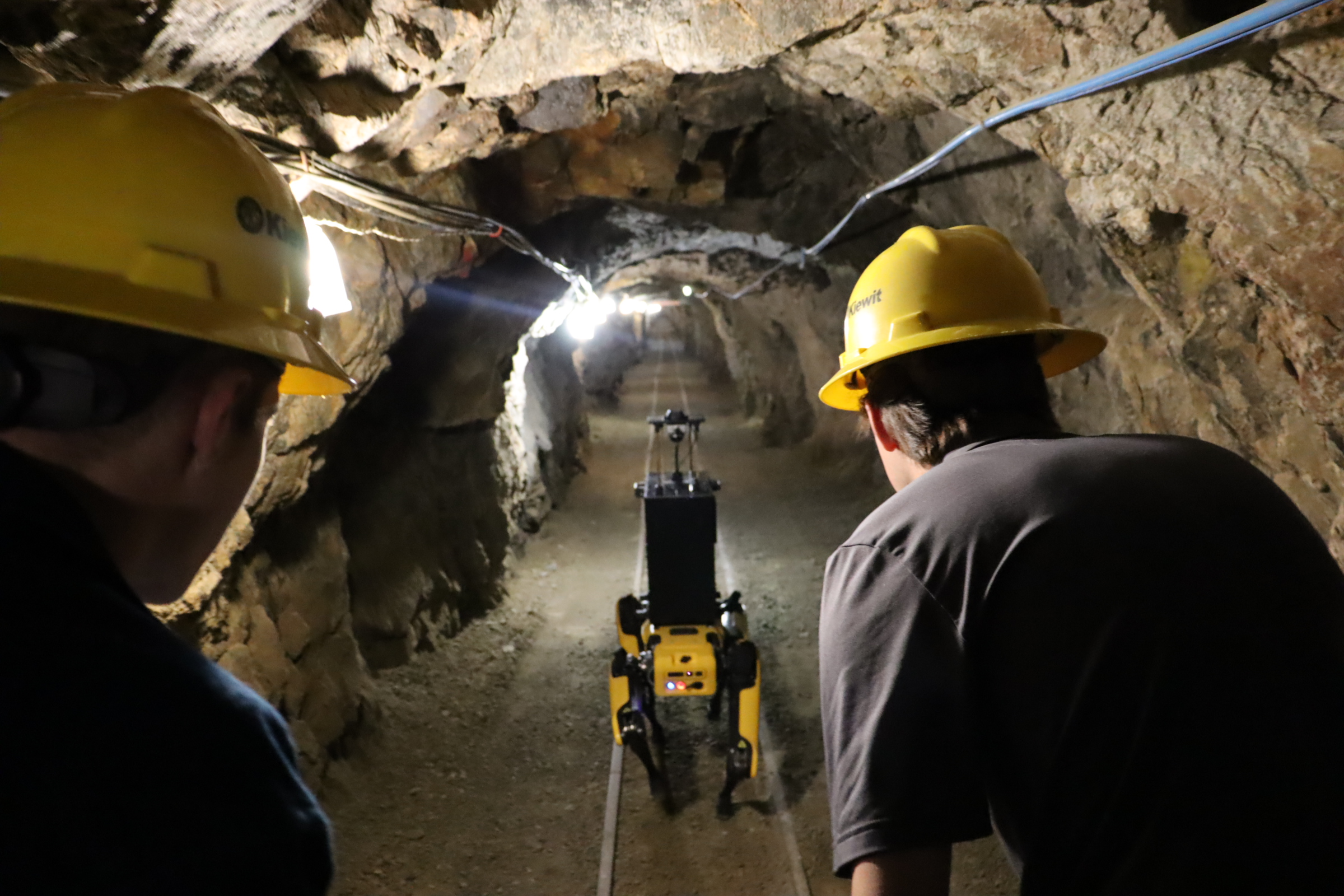
3D map of Mines campus 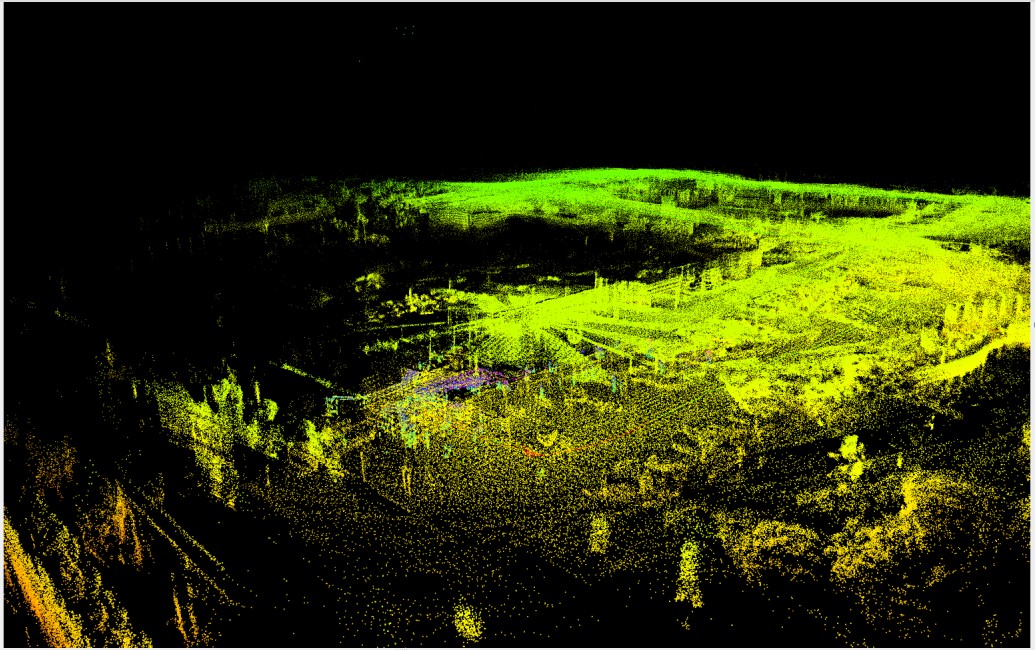
- Mission: Develop robust algorithms for robotic perception and autonomy.
- Research: 3D mapping, localization, and perception.
- Student opportunities: Projects are available for students from CS, EE, ME, and related areas.
- Learn more / join the lab: https://www.ariarobotics.com/join-us
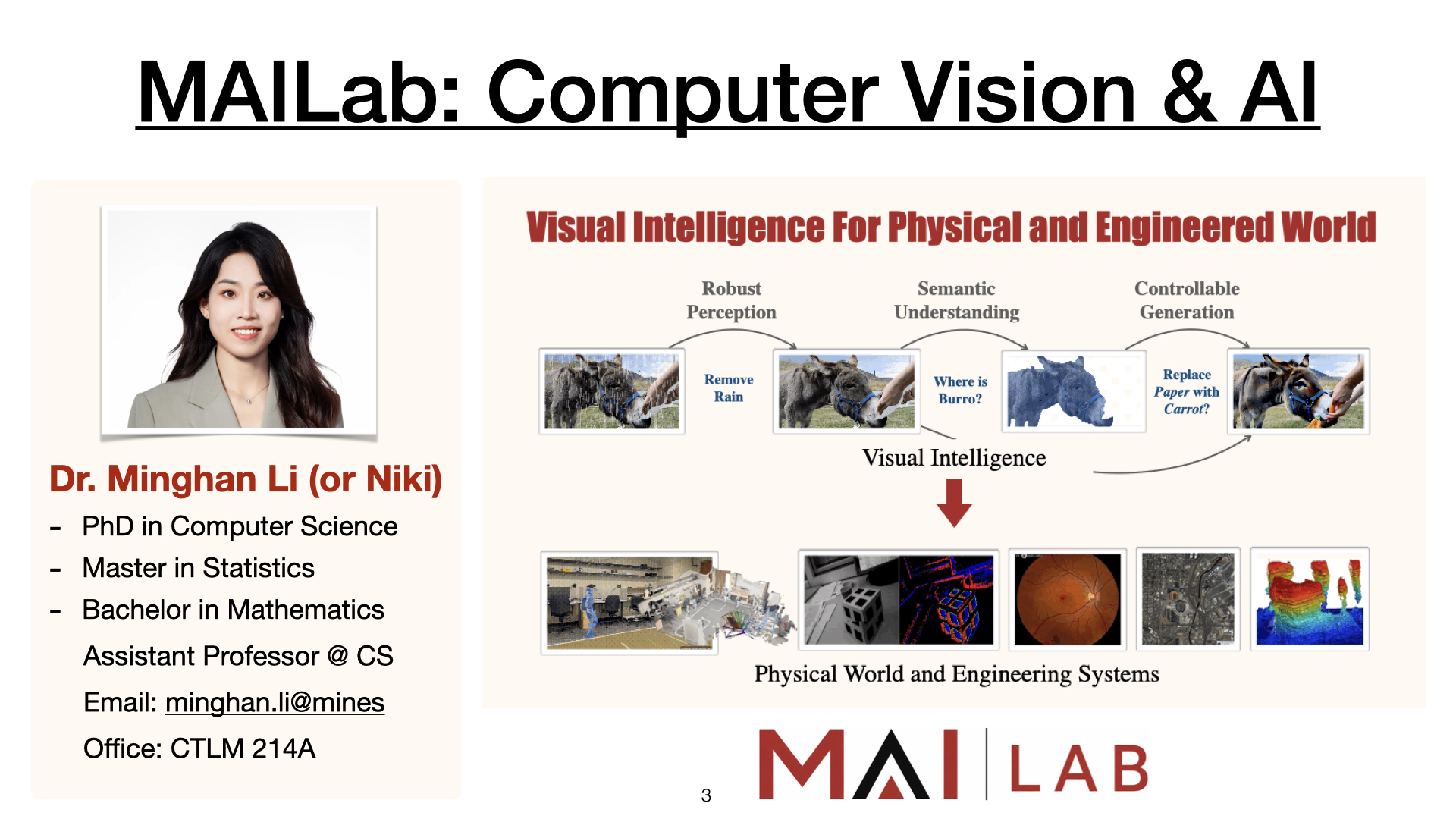
MAILab
Course Learning Objectives
- Explain fundamentals of image formation, representation, color, and processing.
- Apply filtering, convolution, Fourier analysis, edge detection, and Hough methods.
- Detect, describe, and match visual features.
- Apply camera geometry, calibration, stereo vision, and motion estimation for 3D vision.
- Implement classical recognition and detection methods, including SIFT and HOG.
- Apply machine learning and deep learning to classification, detection, and segmentation.
- Develop and evaluate computer vision pipelines using Python and OpenCV.



Computer Vision and Nearby Fields
Computer Vision
Computer vision tries to infer useful information about the real world from images, videos, and other visual sensor data.
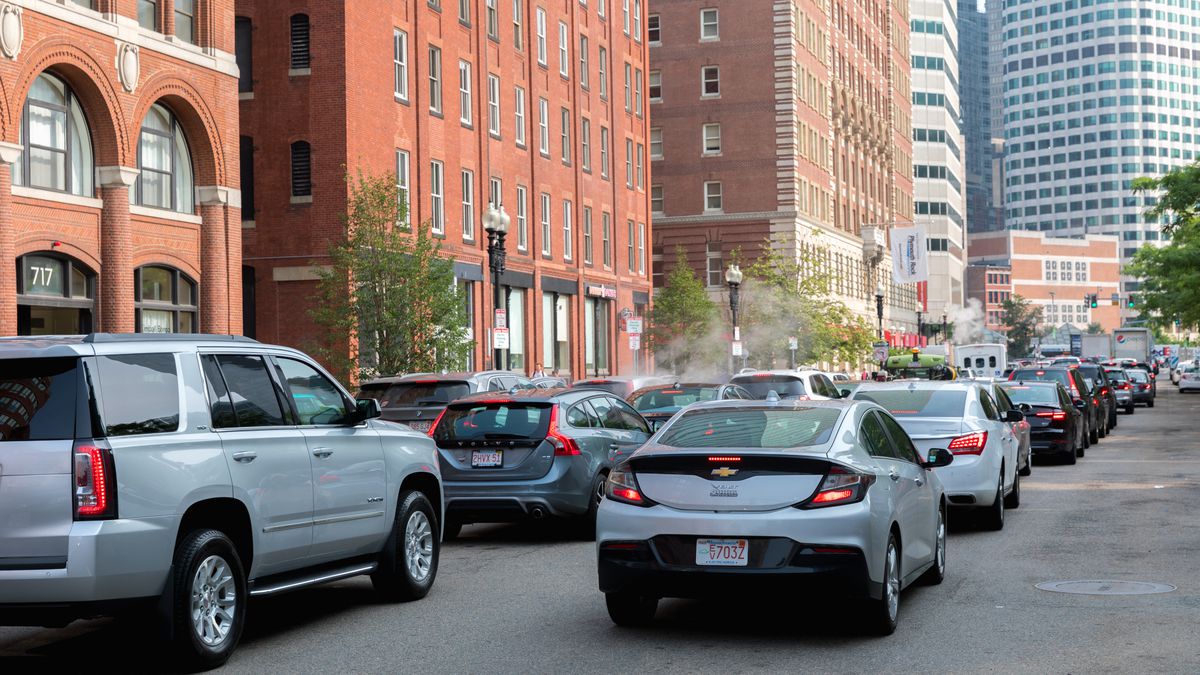 Real-world image
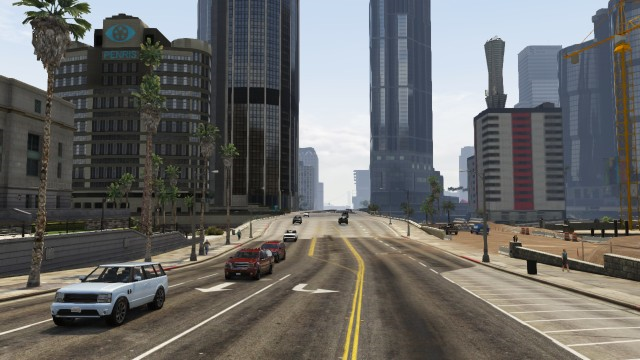 Rendered / digital world
Scope of Computer Vision
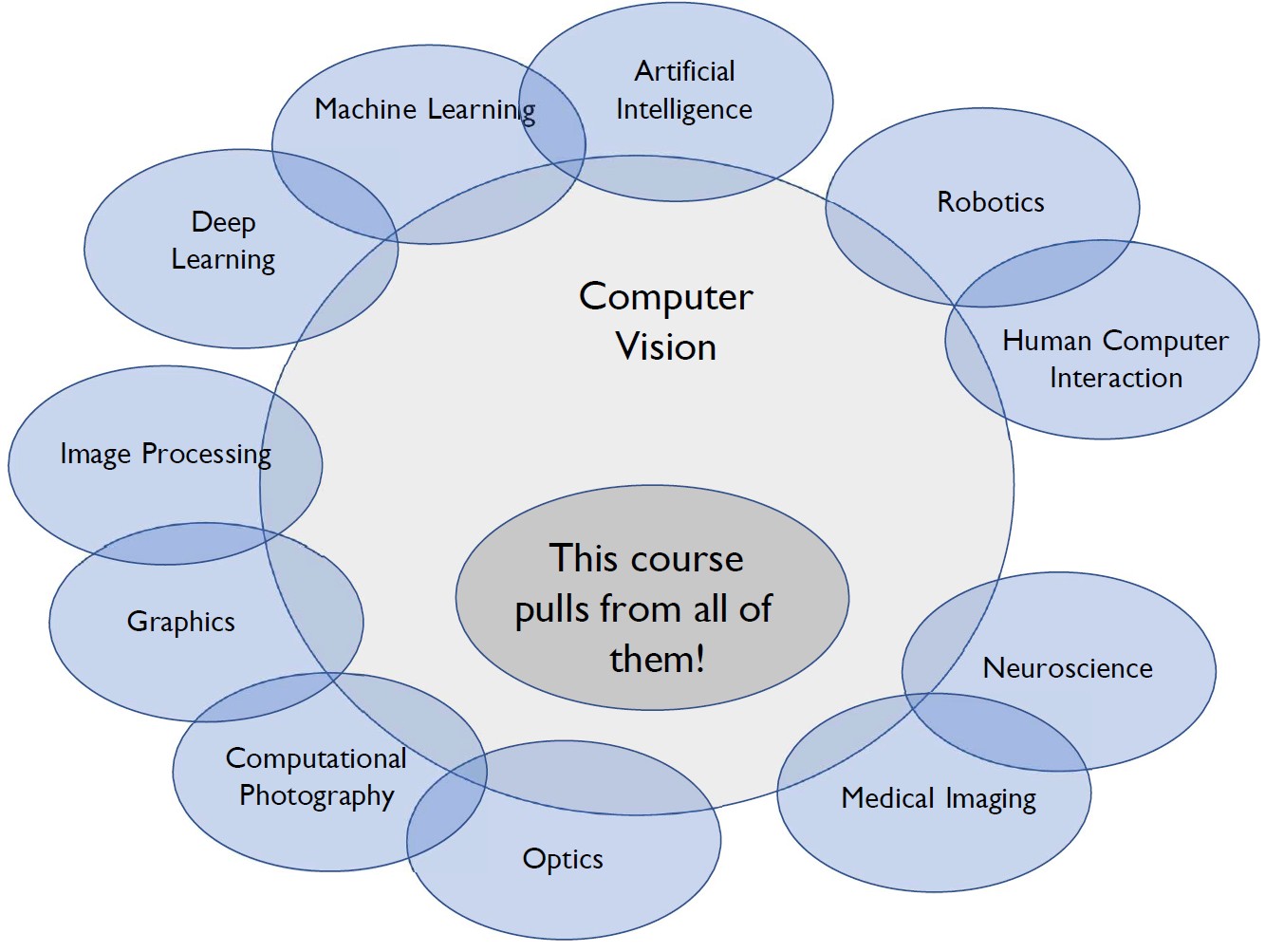
Computer vision uses ideas from many fields. In this course, in addition to theory, we focus on practical computer vision algorithms and tools.
Computer Vision on Smartphones
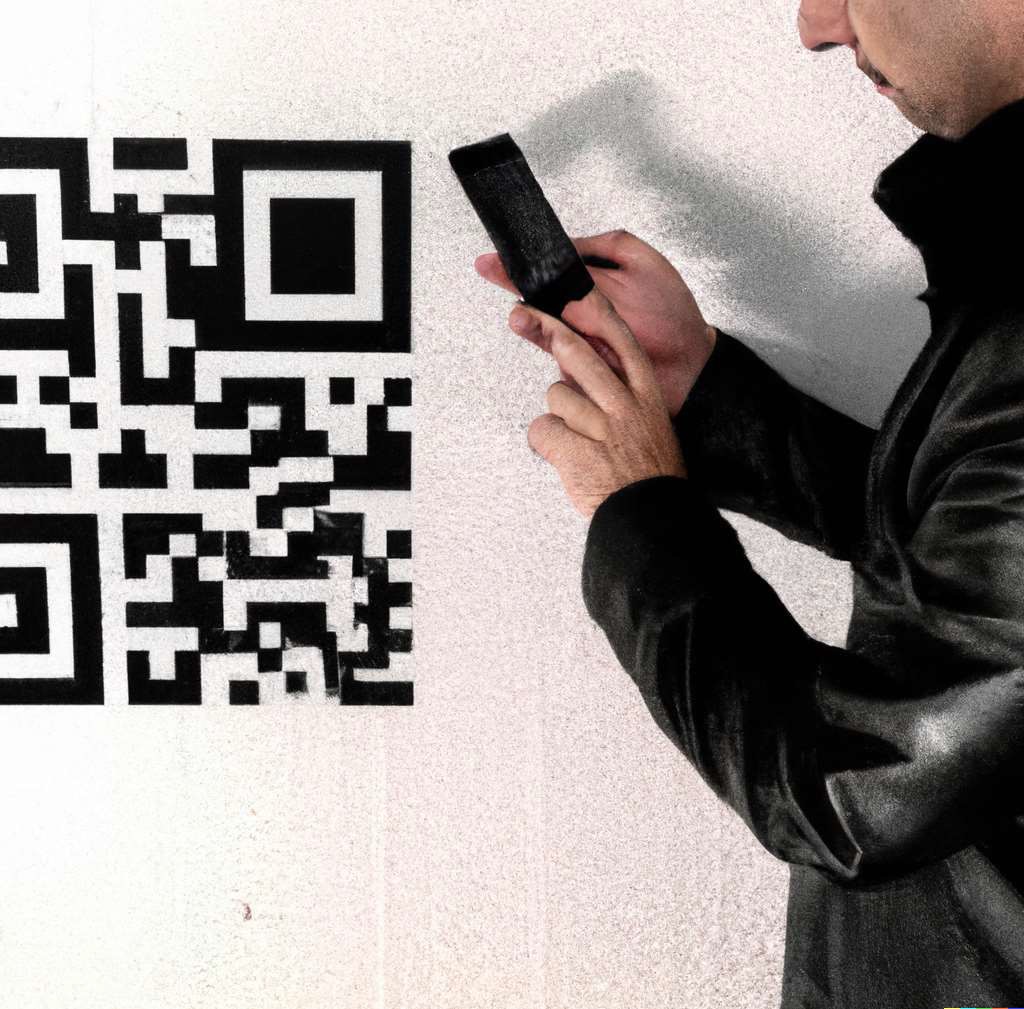 QR codes
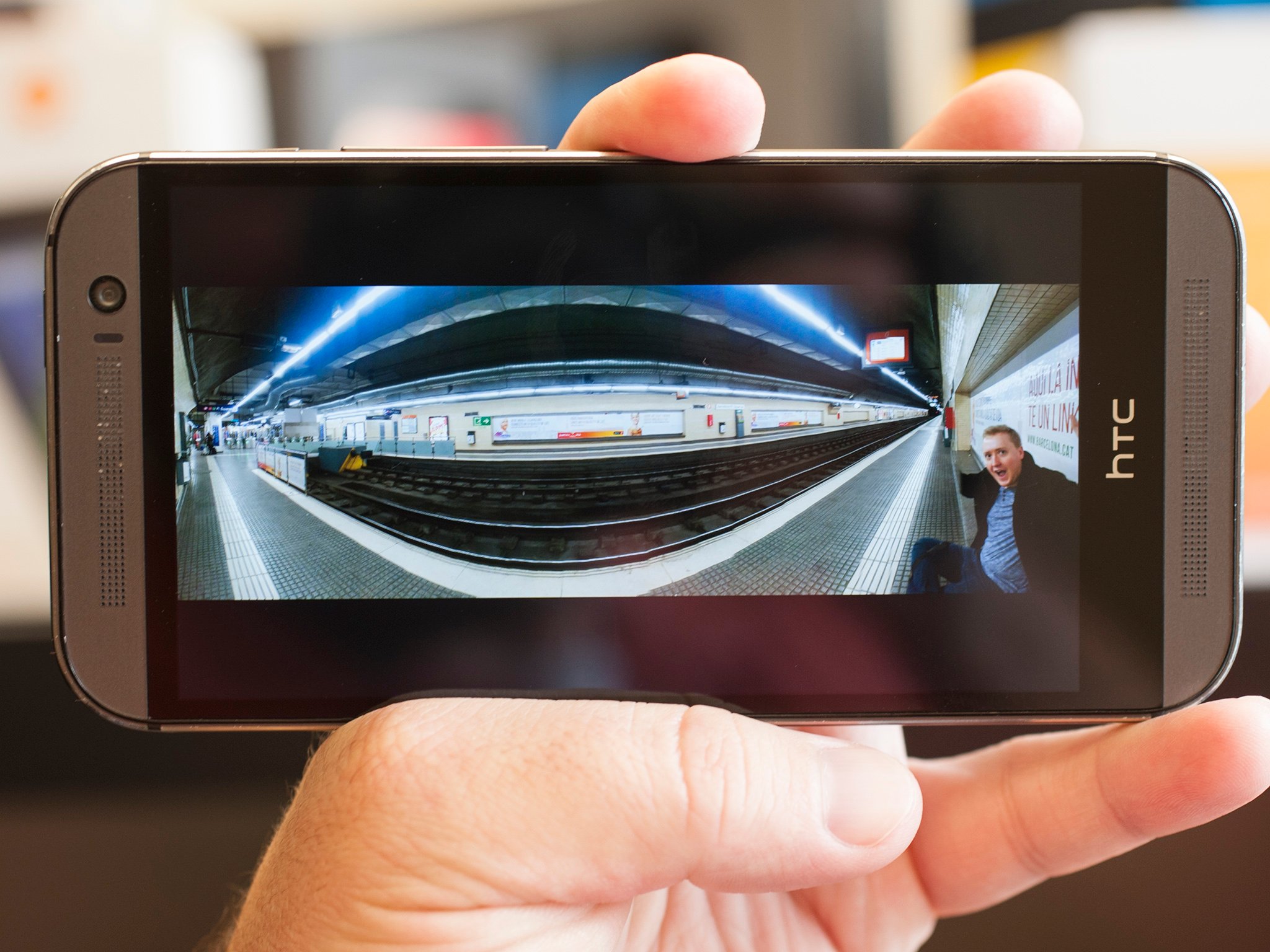 Panorama
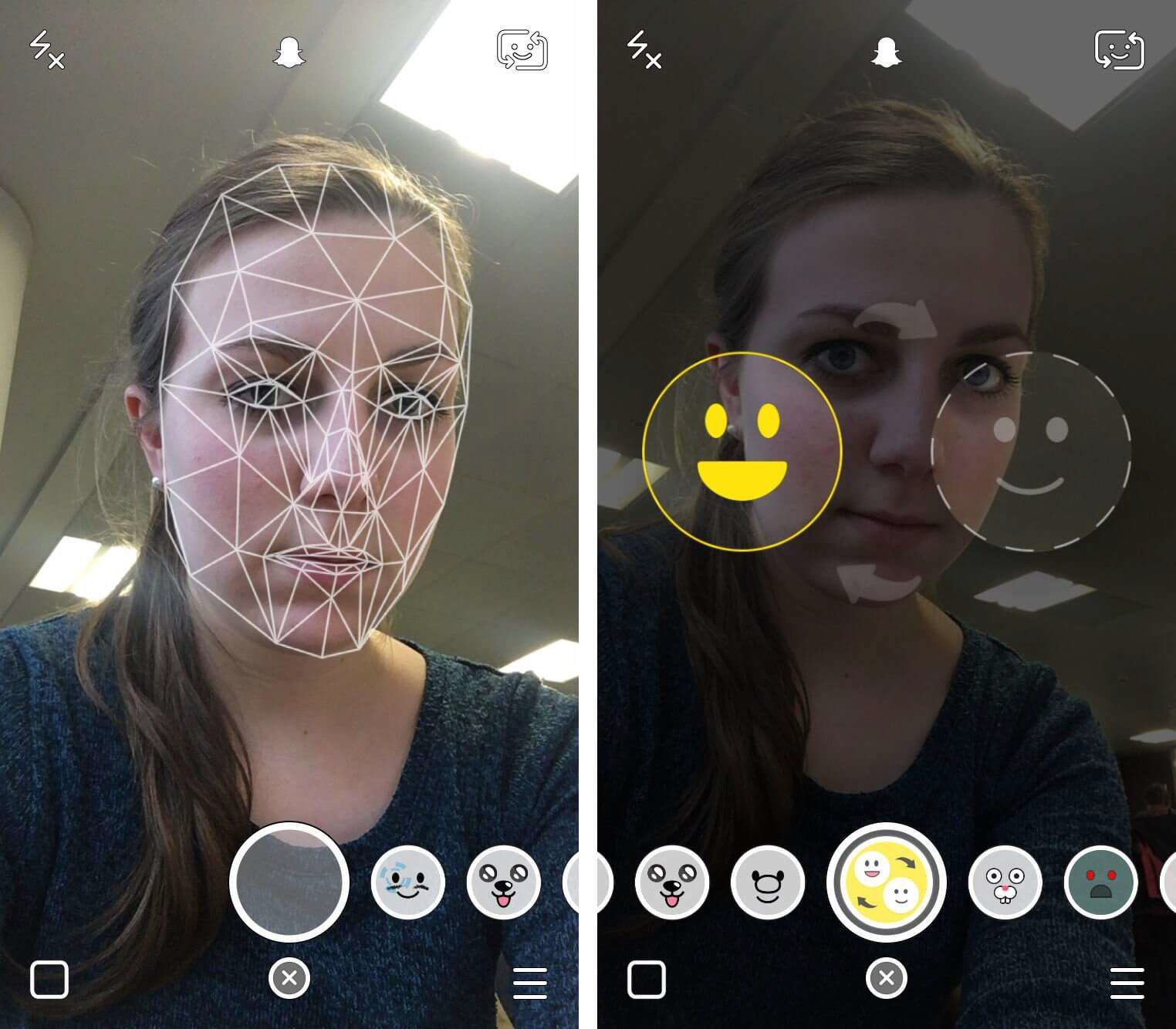 Face and emotion detection
Smartphones: Face Filters


Security & Biometrics

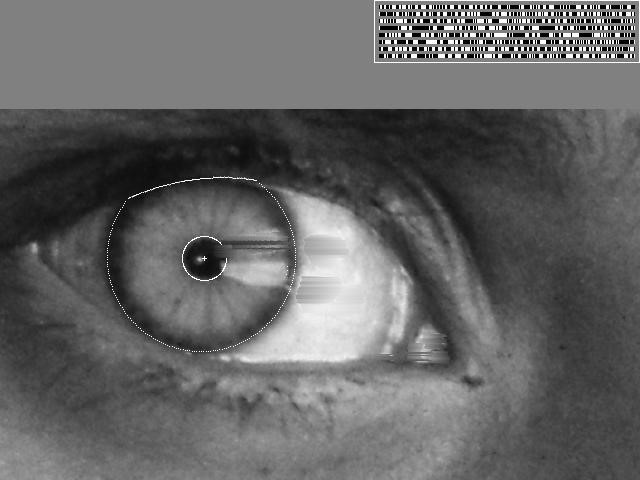
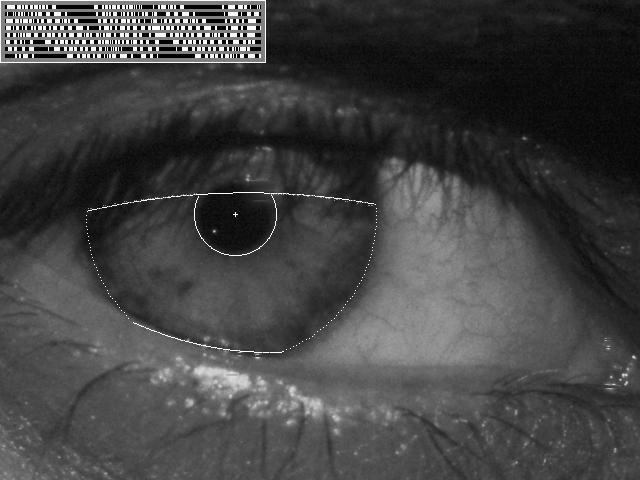
Iris recognition:
- “How the Afghan Girl was Identified by Her Iris Patterns”
- Read the story | Wikipedia
Visual Search & Recognition



Google Lens: recognize objects, products, landmarks, plants, text, and other visual content
AR/VR & Spatial Computing
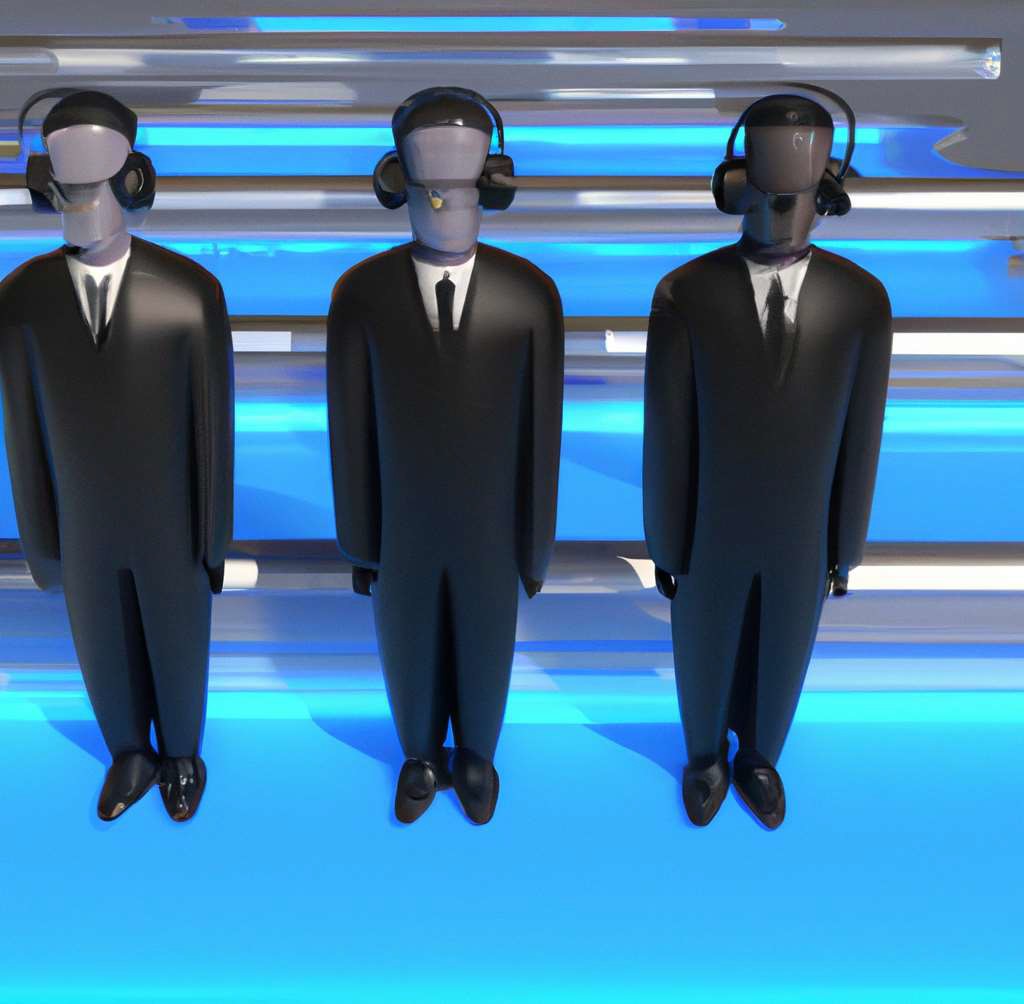

Virtual and mixed reality
3D Reconstruction
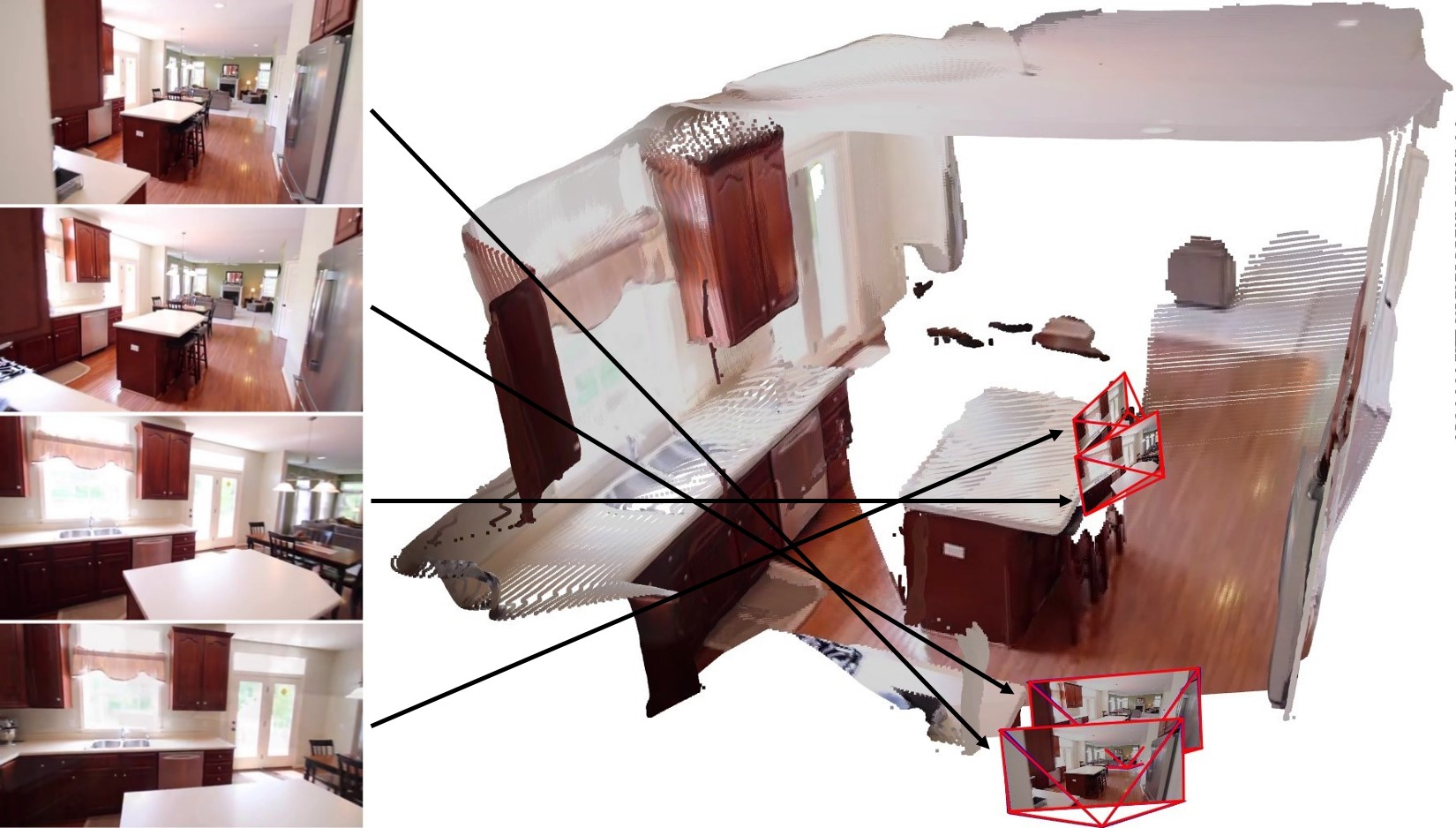
Recovering the 3D structure of a scene from multiple images taken from different viewpoints.
Visual Effects & Motion Capture
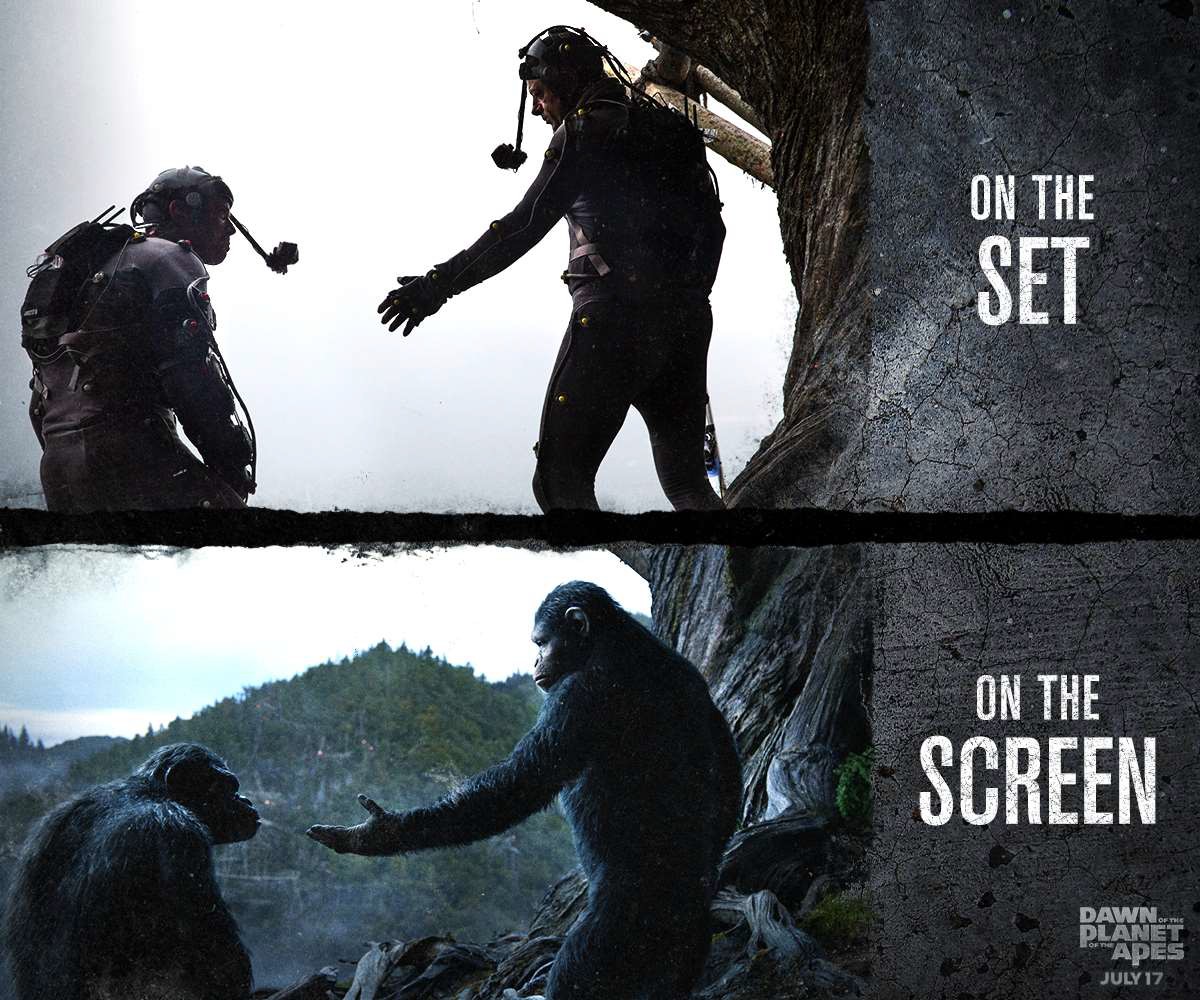 Dawn of the Planet of the Apes
Motion capture and computer vision algorithms transform actors into digital character.
Transportation: Autonomous Driving
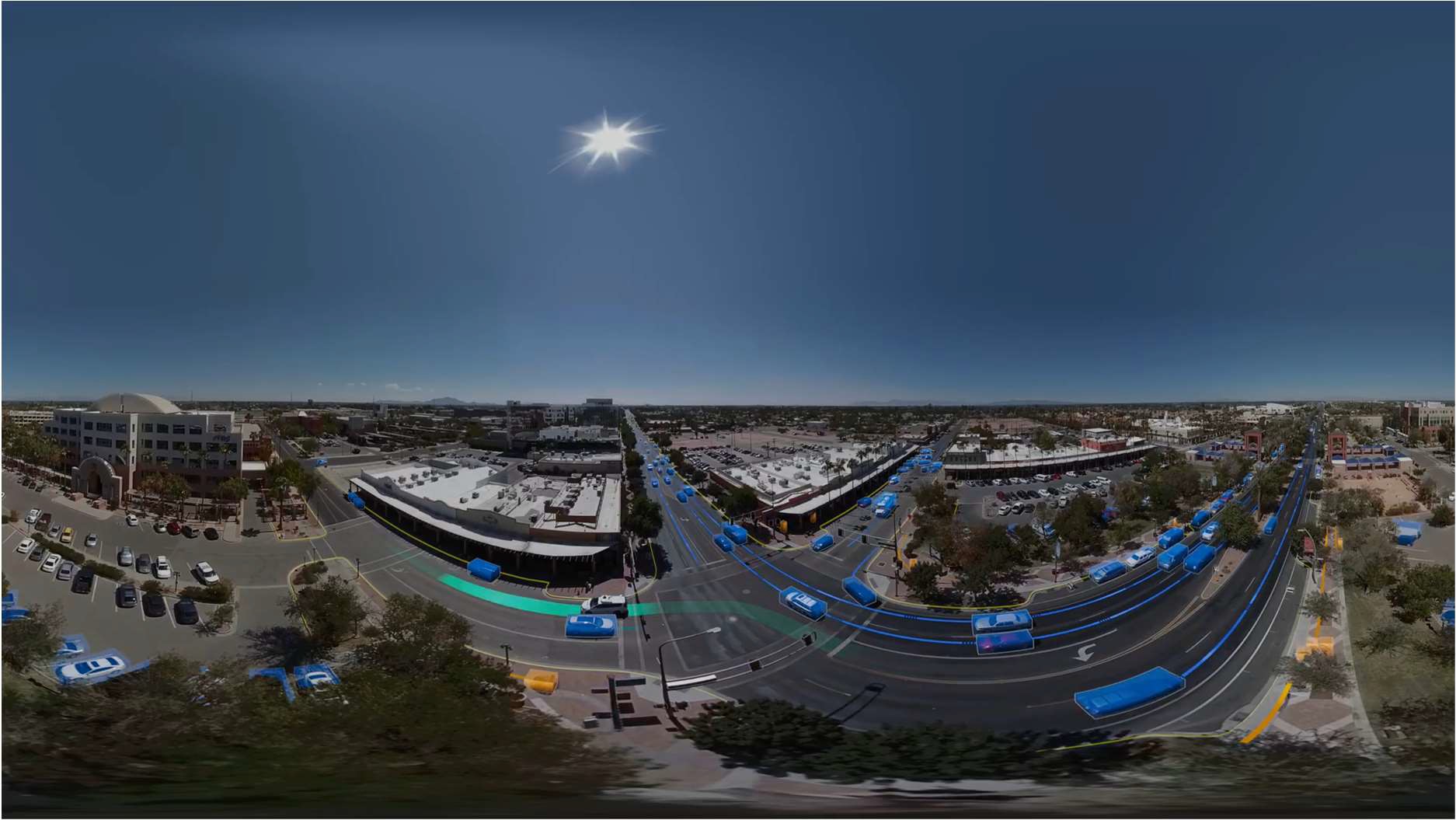 Waymo:
 Computer vision enables detection, tracking, localization, scene understanding, and navigation for automomous cars.
Medical Imaging
MRI / CT
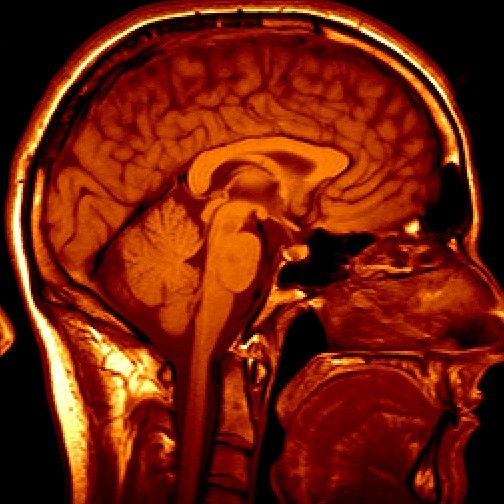
Reconstruction, segmentation, detection, and diagnosis
Ultrasound
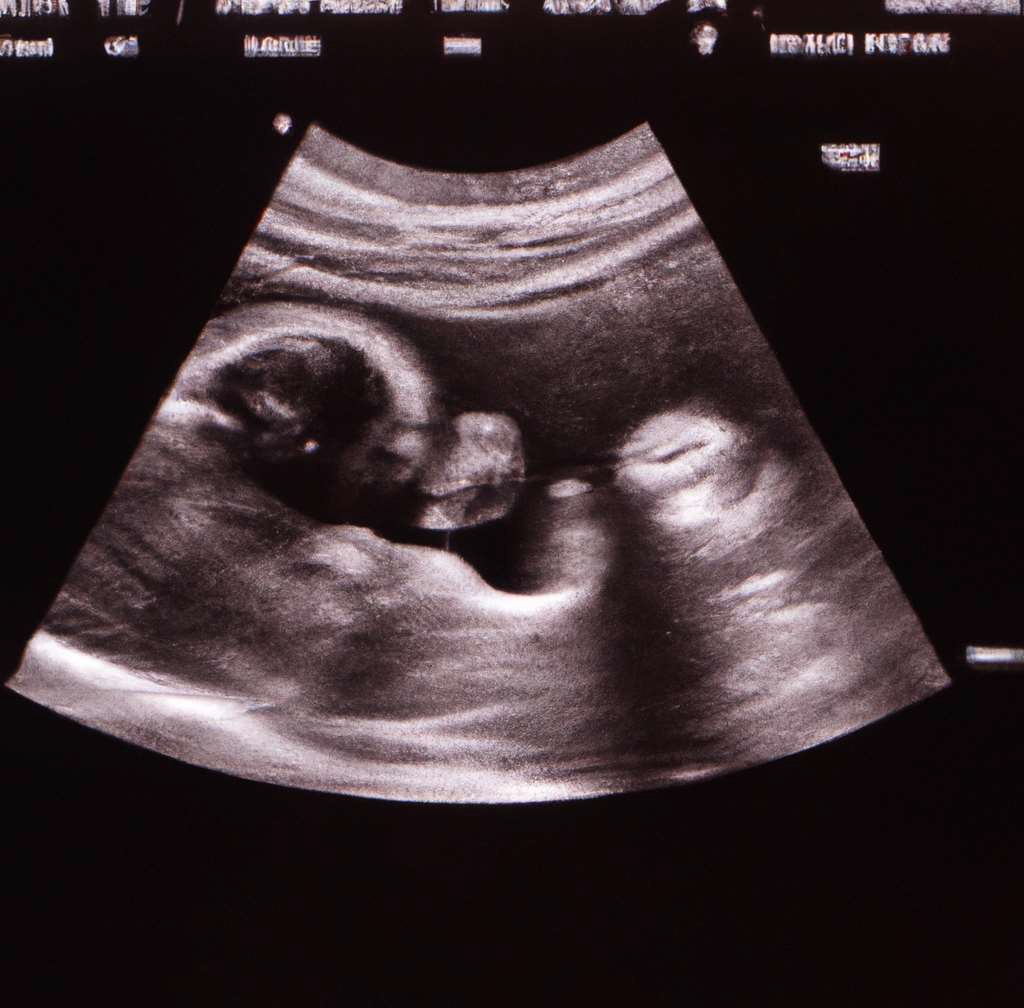
Imaging, measurement, diagnosis, and surgical guidance
Astronomy & Remote Sensing
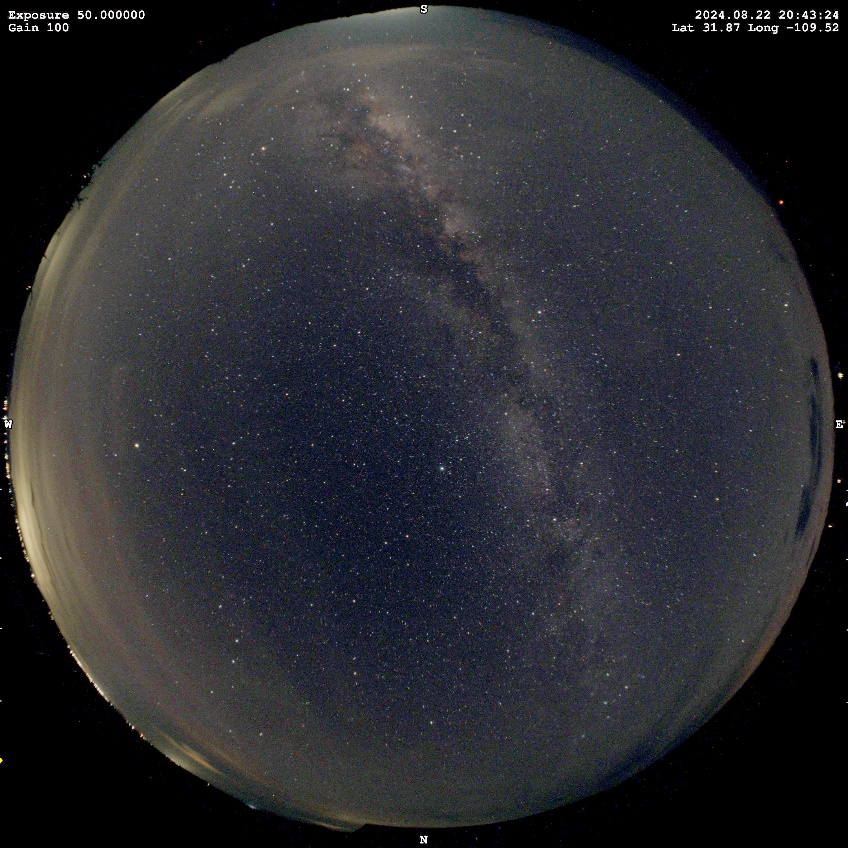
Cloudy

Clear
Example application: Cloud detection in astronomical imaging
Image by Charlie Hagen (Mines alumnus): https://www.nightphotons.com/
Space Exploration: Visual Navigation
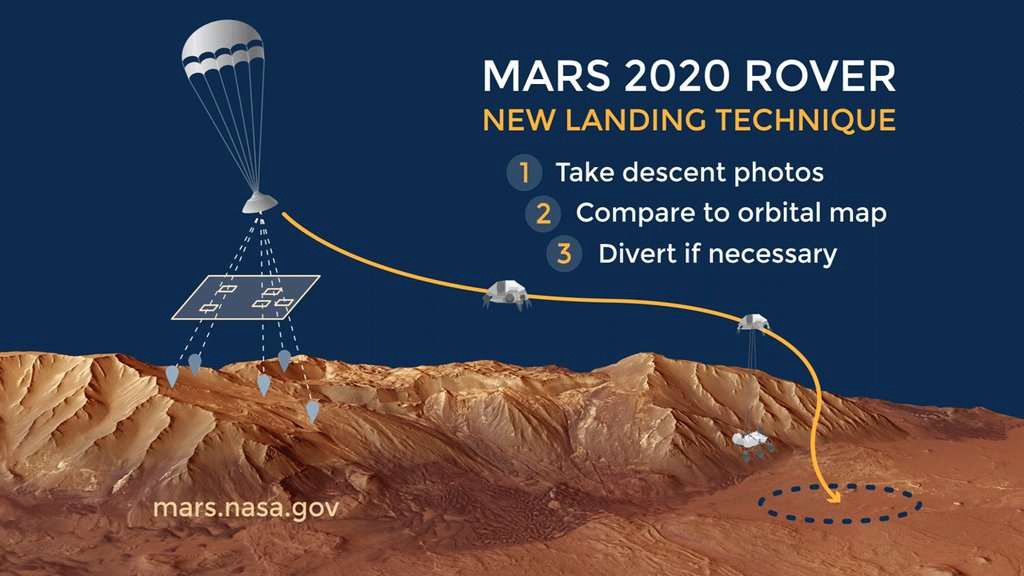
Mars 2020 mission used vision-based localizatoin during landing:
- Capture descent images
- Compare images with an orbital map
- Estimate location and adjust if necessary
Robotics & Embodied AI
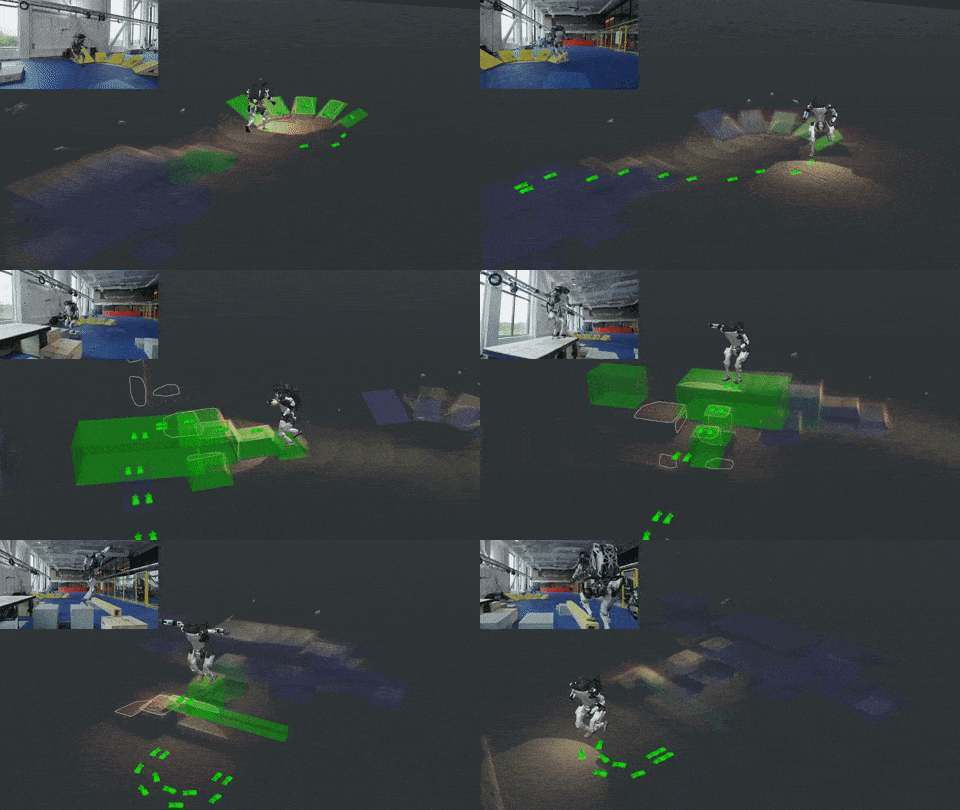
Boston Dynamics: https://blog.bostondynamics.com/flipping-the-script-with-atlas
Robots use vision for perception, localization, mapping, navigation, manipulation, and interaction with the physical world.
Vision-Language & Generative AI
 “Teddy bears working on new AI research underwater with 1990s technology”
 “Cats playing chess”
 “A teddy bear sitting at the Colorado School of Mines”
Modern vision systems increasingly combine visual understanding, language, reasoning, and generation.
Course Structure
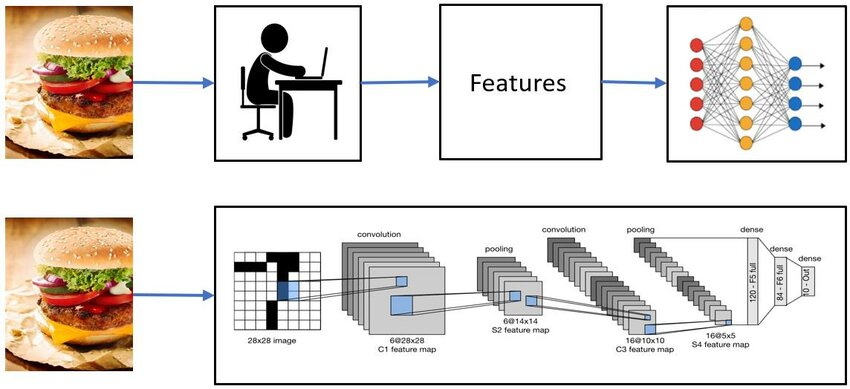
The course covers both classical and modern computer vision.
- Classical CV: image formation, filtering, Fourier analysis, features, geometry, stereo, motion, and 3D vision
- Modern CV: machine learning, image classification, object detection, segmentation, and deep learning
- This is not a machine learning course, but we will introduce the ML/DL concepts needed for computer vision. Good follwo-up courses:
- Deep Learning (Prof. Zibo Wang)
- Computer Applied Computer Vision for Engineering Systems (Prof. Minghan Li)
400 vs. 500 level: There is no difference in course content. If appropriate, ask to count as 500.
Course Resources
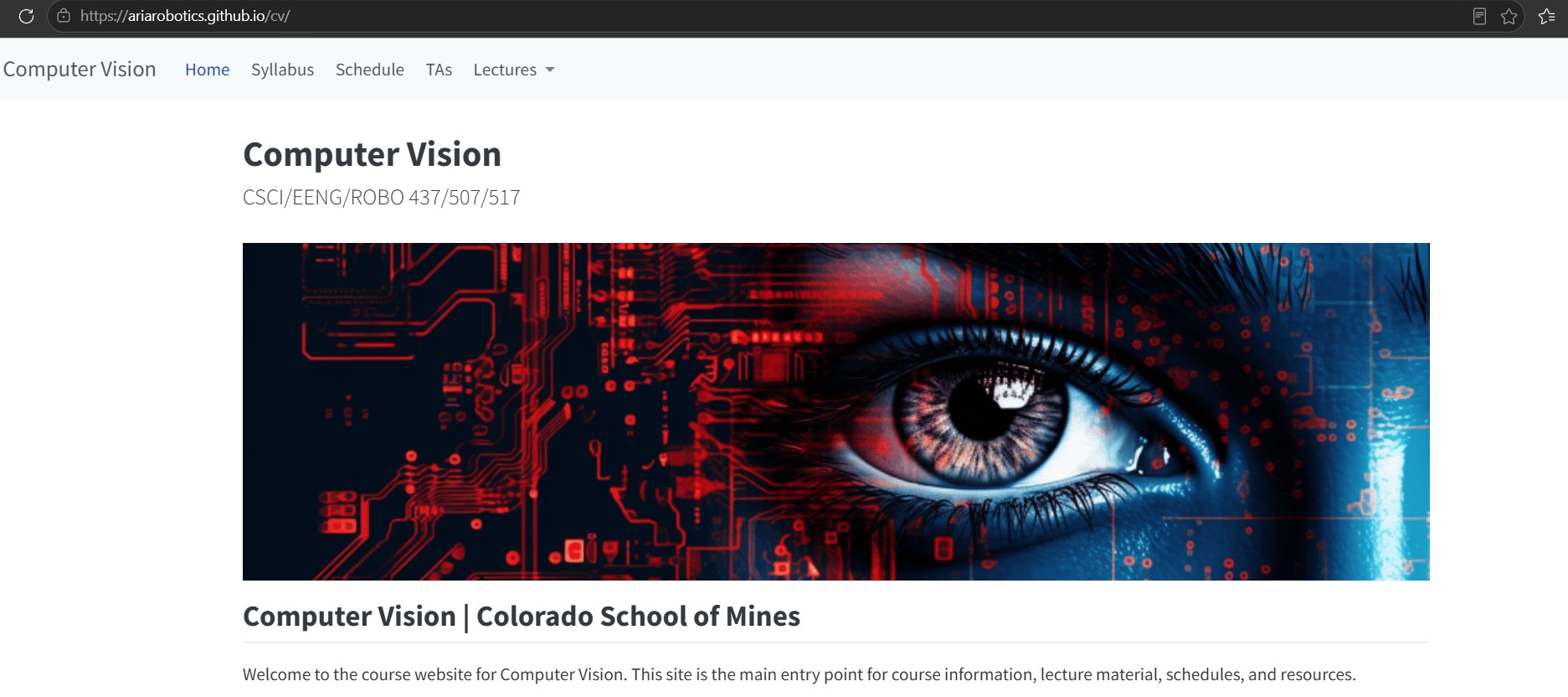
Course Website: https://ariarobotics.github.io/cv/
- Primary place to access the syllabus, course schedule, TA information, lectures, and other course information
- Use this as your main entry point for the course
GitHub Repository: https://github.com/ariarobotics/cv
- Contains course source files, code, notebooks, and downloadable materials
- Useful when you need to clone/download code or inspect the underlying files
Lectures:
- Are grouped by topic and may be convered over multiple class sessions
Attendance Matters
- In-person attendance is mandatory, although will not be monitored.
- Some material will be discussed/developed only during class.
- Material added/discussed during class will not be recorded or posted later.
- You are responsible for material covered during any class you miss.
Bottom line: Being physically present and engaged in class is an important part of this course.

Missed Exams & Excused Absences
- Any missed exam receives a grade of zero before the lowest-exam grade is dropped.
- A make-up exam may be considered only under extraordinary circumstances for excused-absence.
- Appropriate documentation must be provided when requesting an exception.
- Students are responsible for submitting excused-absence requests through the appropriate Mines process.
Do not assume that an excused absence automatically means a make-up exam.
Prior Grade Distribution
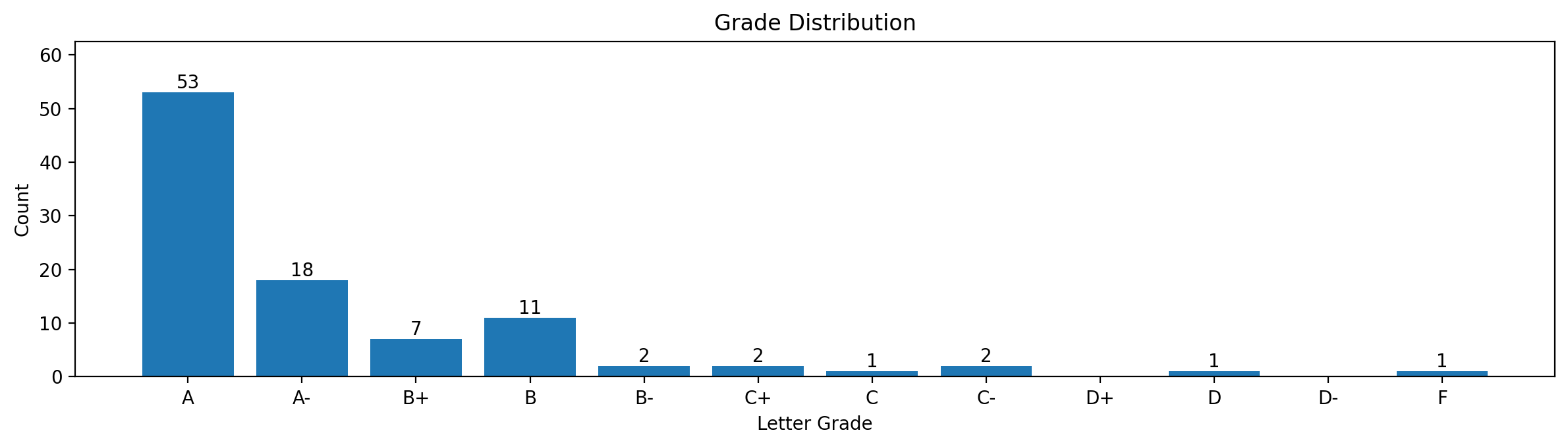
- You can get a good grade by completing homework on time, keeping up with the material, and preparing for the exams.
Academic Integrity
Academic dishonesty will be taken very seriously.
Examples include:
- Copying another student’s homework
- Using prohibited resources during an exam
- Misrepresenting or abusing an excused absence
You may collaborate and discuss homework, but the work you submit must be your own.
Communication: Ed Discussion
Ed Discussion is the primary communication channel for this course.
Use Ed Discussion for:
- Announcements
- Course/technical questions
- Homework clarification
- Questions that may also help other students
Do not use Canvas messages or email for routine course questions.
Plan ahead: Do not expect responses after normal working hours or during weekends. Ask questions early rather than waiting until shortly before a deadline.

Computers & Programming
- You are expected to have access to a computer for programming and in-class activities.
- Classroom computers are available if needed.
- Loaner laptops may also be available through the library.
- The only programming language used for this course is Python (OpenCV and PyTorch libraries).
- We will not use other languages (C++, MATLAB, etc.) because this will complicate TA help and grading.
Expected Workload
Expect this course to require approximately 10 hours per week on average, including:
- Attending class
- Reviewing lecture material
- Programming
- Completing homework
- Preparing for exams
Some students will need substantially more time, particularly if they are less comfortable with:
- Python/programming
- Calculus
- Linear algebra (matrix computations)

Do not fall behind early.